Learn
How It Works
The thinking behind the numbers—and why we built it this way.
Our philosophy
“We don't celebrate discipline. We recognize progress.”
Most budgeting apps try to make you feel guilty or turn saving into a game. We think that misses the point.
We show you the math—what your spending patterns look like and what they cost over time. Then you decide. Some habits are worth every penny. Others might surprise you when you see the numbers.
If this app ever feels stressful, preachy, or noisy, we've failed. It should feel like a clear window into your finances, nothing more.
Smart categorization
When you import transactions, we try to categorize them automatically. Here's the order we check:
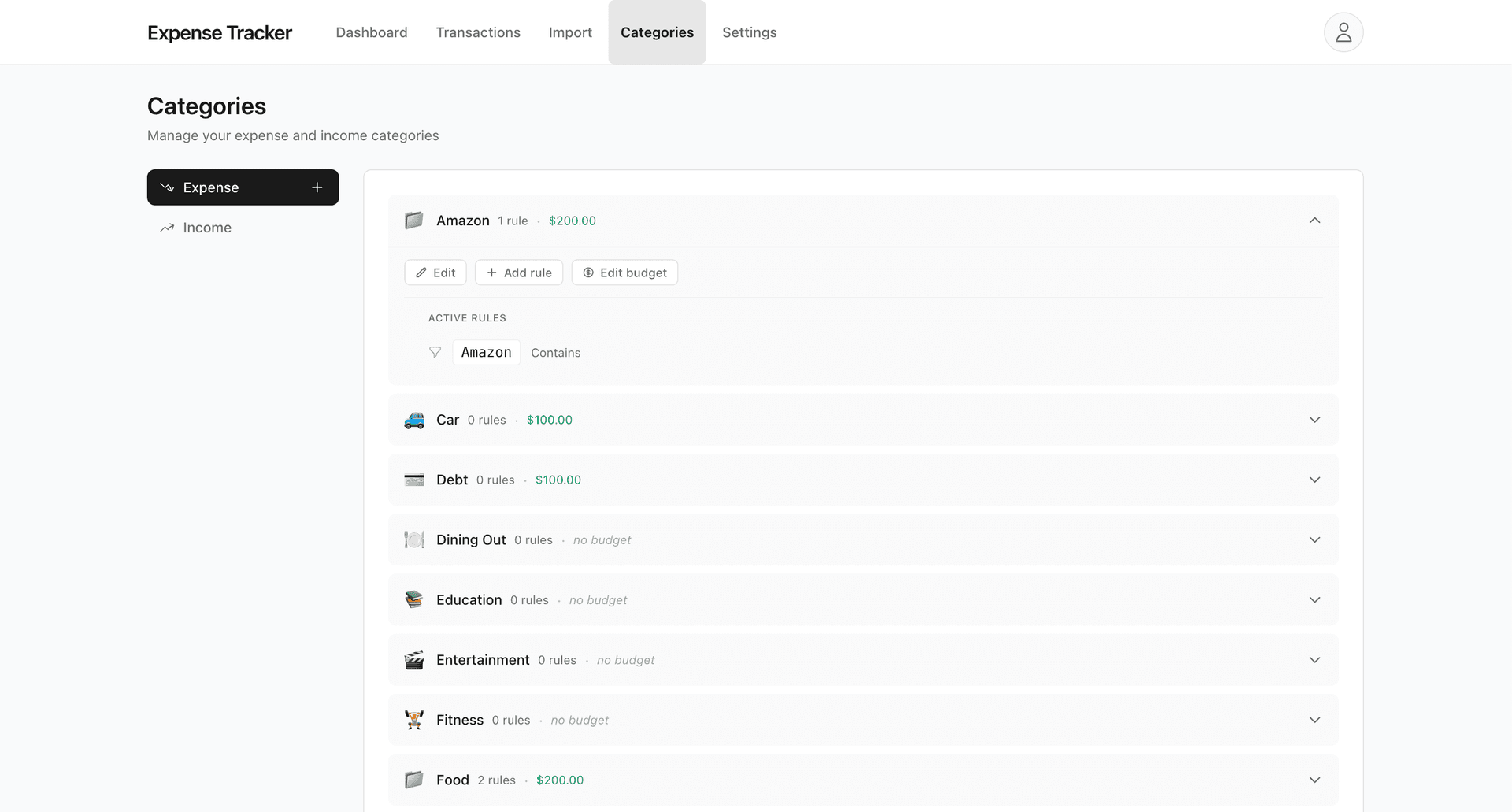
Your custom rules
Rules you've created always take priority. If you made a rule that "TRADER JOE" goes to "Groceries," that wins.
Built-in keyword matching
We have patterns for common merchants—Starbucks, Uber, Amazon, Netflix, and hundreds of others. These handle most transactions automatically.
Type detection
If nothing matches, we still know whether it's an expense or income based on the amount. It shows as "Uncategorized" so you can assign it yourself.
You can always change a category after import, and creating a rule makes sure similar transactions are handled automatically next time.
Habit detection
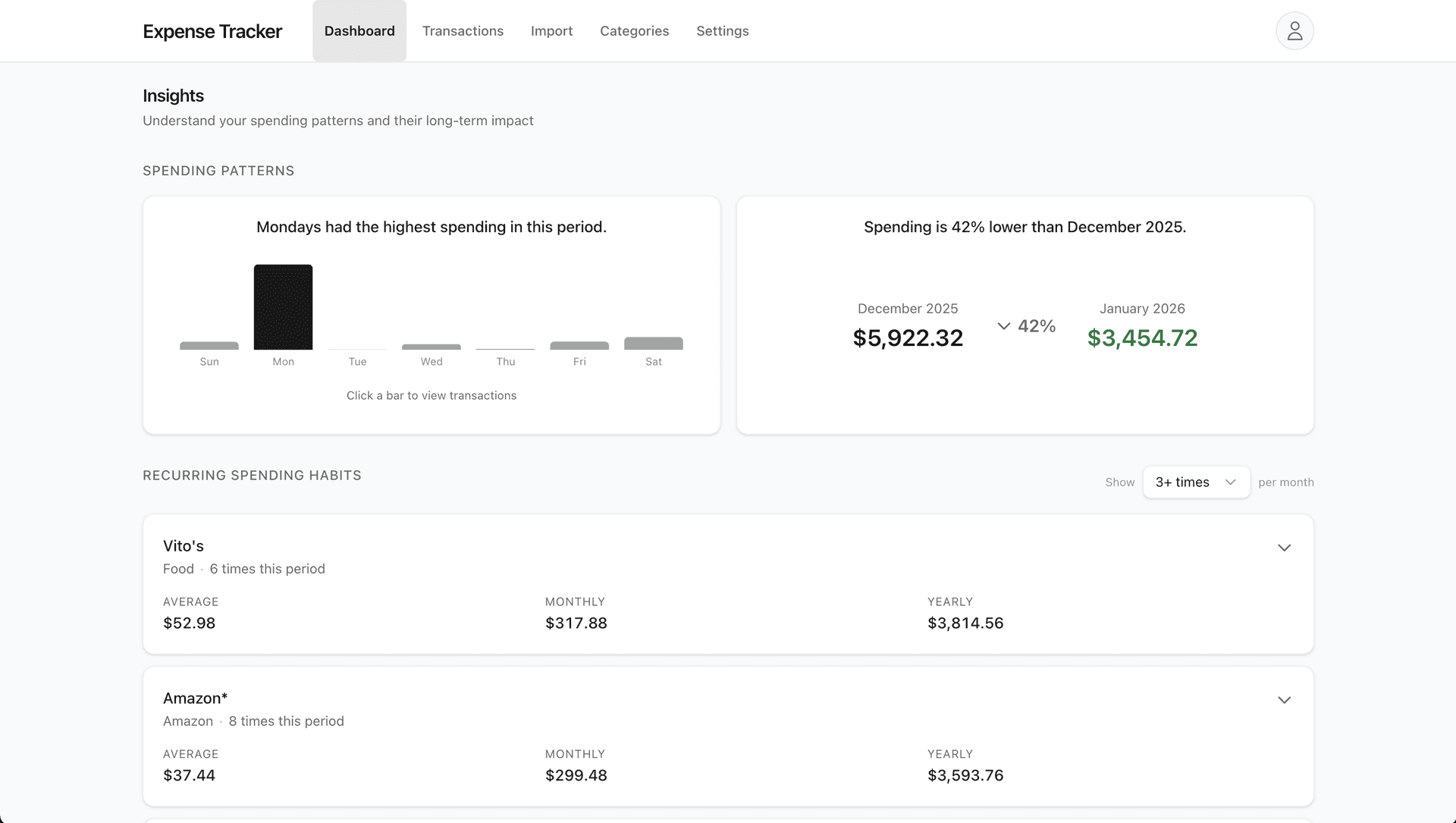
The dashboard shows your recurring spending habits—merchants you visit regularly. Here's how we find them.
The algorithm, simplified
- 1. Normalize descriptions: "STARBUCKS #12345 SF" becomes "starbucks." We strip out store numbers, locations, and random characters.
- 2. Count occurrences: We count how many times each normalized merchant appears per calendar month.
- 3. Flag habits: If a merchant appears 5+ times in a month (configurable), it becomes a "habit."
- 4. Track consistency: We show which months the habit appeared, so you can see if it's "every month" or "occasional."
What we exclude from habits
- •Fixed expenses: Rent, utilities, insurance, and debt payments. These are usually non-negotiable.
- •Large one-off purchases: Anything over $500 in a single transaction. That's probably not a daily habit.
- •Income: We're looking at spending patterns, not earnings.
The goal is to surface discretionary, recurring spending—the patterns where small changes add up.
Opportunity cost projections
For each habit, we show what that money could become if invested over time. This is the heart of the app.
Example
Your daily coffee habit
$150/month
If invested at 7% annually
5 years
$10,700
10 years
$26,000
20 years
$78,200
The math
We use the standard compound interest formula for regular contributions:
The assumptions
- •7% annual return: Roughly the historical average of the S&P 500 after inflation. Not a guarantee—just a reasonable baseline.
- •Monthly contributions: We assume you'd invest the saved money consistently each month.
- •No taxes or fees: Real returns would be slightly lower. This is a simplified model for illustration.
Multiple scenarios
We don't just show "if you stopped completely." That's not realistic for most habits. Instead, we show:
- —Reduce by 10%
- —Reduce by 20%
- —Reduce by 50%
- —Stop entirely
Progress recognition
When you reduce spending on a previously identified habit, we notice. No streaks, no badges, no confetti—just a calm acknowledgment.
You'll see how much you've reduced compared to your past baseline, and what that change could mean over time.
The point isn't to celebrate every small win. It's to help you see that changes—even small ones—compound.
Duplicate detection
When you import transactions, we check if they already exist in your account. This prevents double-counting if you import the same file twice or import overlapping date ranges.
How it works
Each transaction gets a "fingerprint" based on:
- • The transaction date
- • The exact amount
- • The description text
If we find a matching fingerprint, the transaction is marked as a duplicate and excluded from import by default. You can still import it manually if needed.